Remove the dead time from a tennis match video
Updated 20 October 2026
Most of a recorded tennis match isn't tennis: a 10-minute recording usually holds about 4 minutes of points. Cutting the rest by hand means scrubbing through the whole match in a video editor. Tennis Camera App does it for you, free, on your phone or computer.
How to do it
- Film the match with your phone behind a baseline and the whole court in view (how to film it).
- Open the video in Tennis Camera App: an MP4 or MOV from your phone or camera. It finds the court by itself, or you tap its four corners.
- Let it find the points. It spots every serve and listens for where each rally ends. An hour of video takes a few minutes.
- Check the points. Untick any you don't want, or drag where one starts and ends.
- Export. One video of the whole match without the dead time, or one file per point.
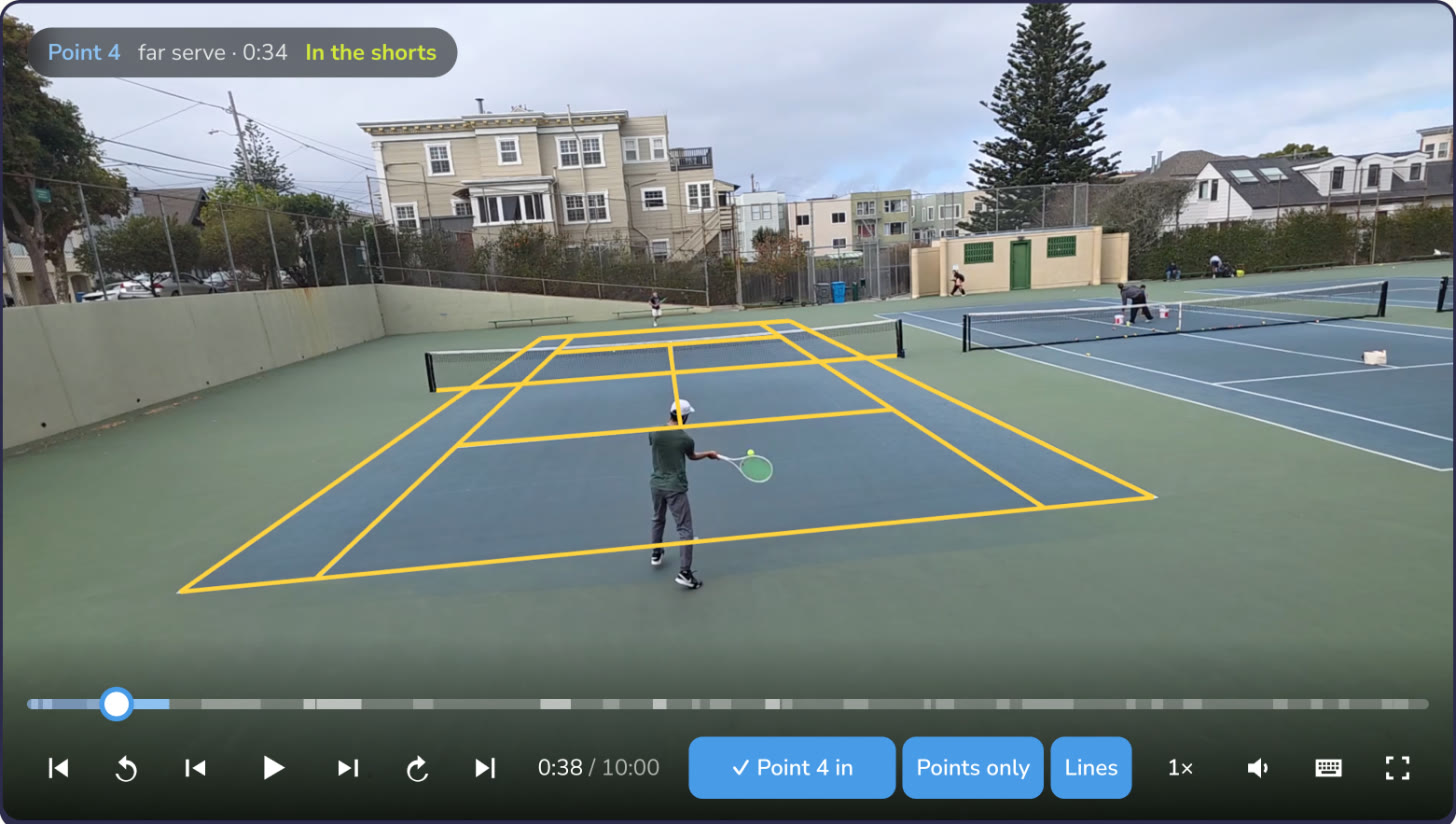
What you can make from it
- The match without the waiting, to watch back or send to a coach
- One clip per point, to go through rallies one at a time
- Vertical shorts of your best points, with the frame following the rally, for Reels, Shorts and TikTok
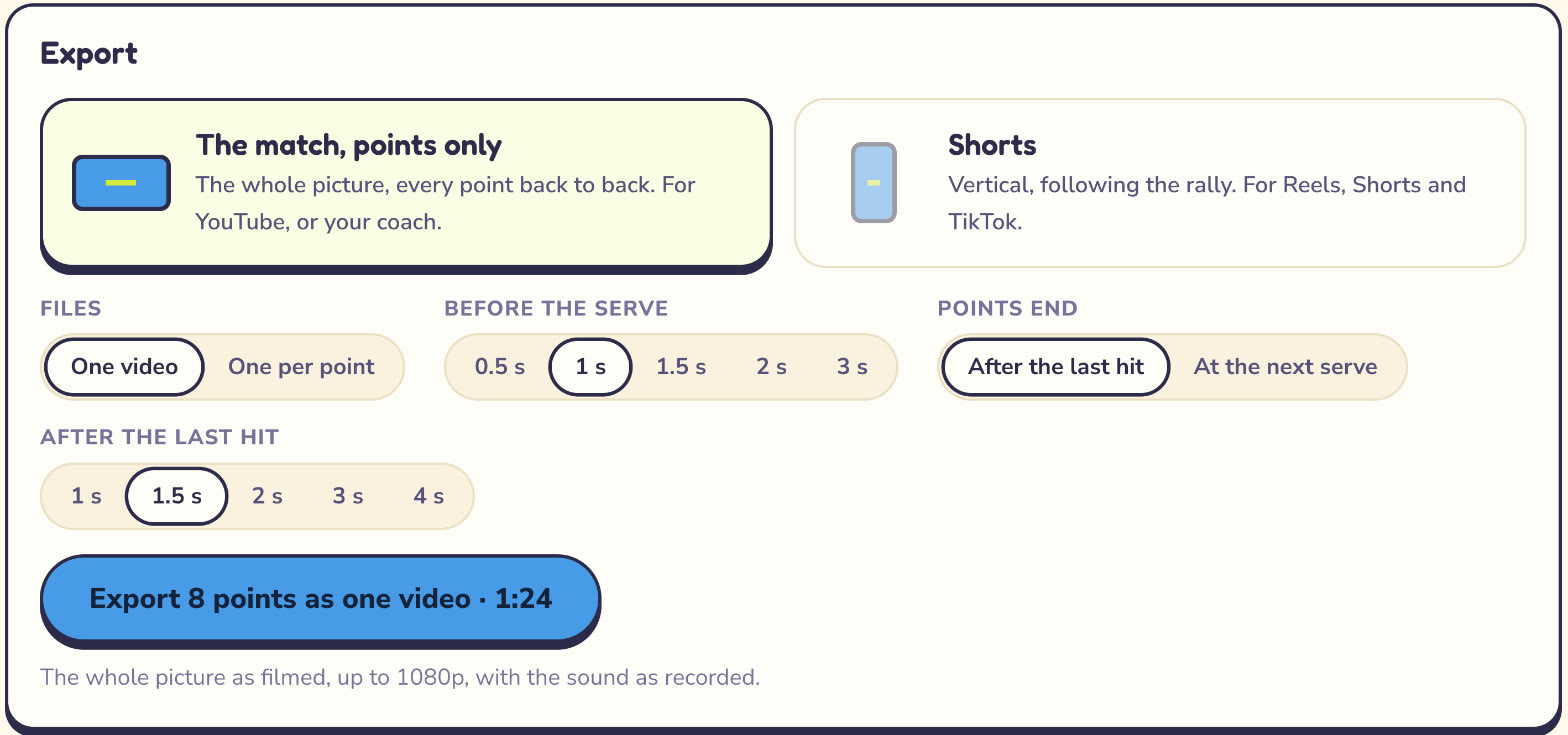
Doing it by hand instead
Any video editor can do it: CapCut, iMovie, DaVinci Resolve or your phone's own editor. Split the clip before each serve and after each rally ends, delete the pieces between, and export. Expect about as long as the match itself for a full set; that's the part Tennis Camera App automates.
Questions
Can I cut the dead time out of a tennis video automatically?
Yes. Tennis Camera App finds every point in a match video and exports it without the time between points. It is free on Android and runs in the browser on a computer.
Does my video get uploaded?
No. Finding the points and exporting both happen on your device.
What videos work?
MP4 or MOV, H.264 or HEVC, filmed from behind a baseline with the whole court in view.
How long does it take?
Finding the points takes a few minutes for an hour of video. Exporting also runs on your device, with no queue.
More guides
SwingVision on Android? · SwingVision’s free plan · How to film a tennis match